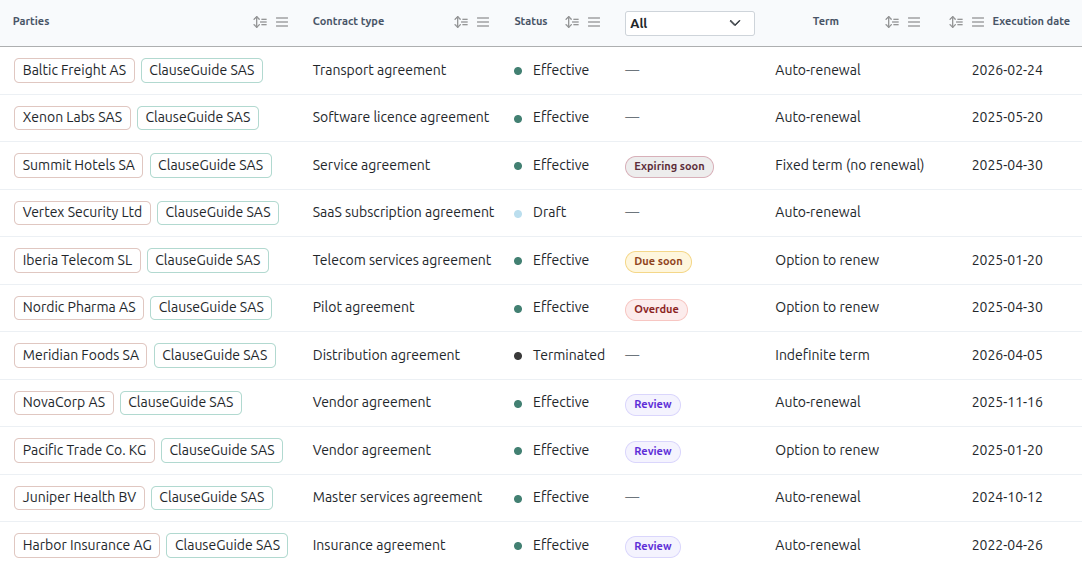
All your contracts, organized in one place
Bring all your agreements into a secure, lightning-fast repository. Enrich your contract data, manage team access with granular permissions, and find the exact clause or document you need in seconds.
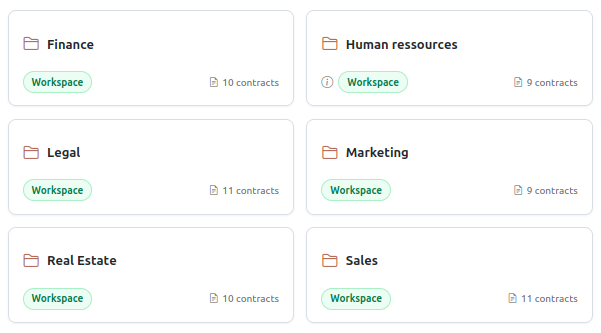
Flexible workspaces, built for collaboration
Organize your teams with dedicated workspaces, each featuring its own secure contract repository, user roles, and custom groups.
Run everything from a single hub, or easily spin up separate workspaces for different departments, projects, or legal entities.
Grow without limits: every single plan includes unlimited contract storage, unlimited members, and unlimited workspaces.
Effortless import, instant accuracy
Centralize your contract repository in minutes, not days.
ClauseGuide automatically extracts text and structured metadata upon import.
Unlock deeper insights with over 120 built-in labels covering risks, critical clauses, and financial terms.
Workspace emails – Import contracts to ClauseGuide directly from you email inbox. Just send your message and documents to your dedicated workspace email and ClauseGuide AI will automatically import the contracts on your repository, put the files in the relevant folders, or associate the new version of the document to the existing contract.
One source of truth, complete version control, verified data
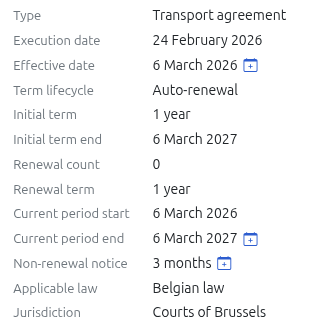
Keep your contract lifecycle organized.
Upload drafts as versions, compare history instantly, and set the active file so negotiations and signed copies always live in one place.
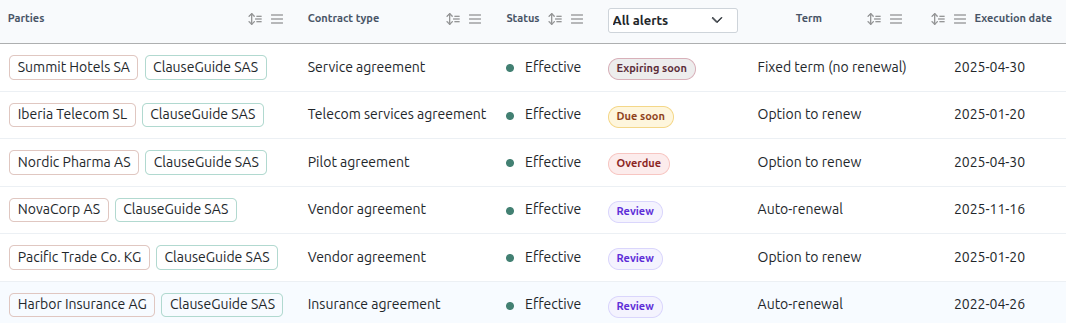
Catch data gaps before they become problems.
Get instant alerts for mismatched dates, missing details, or outdated statuses to keep your repository clean, accurate, and up-to-date.
Granular access control, simplified
Organize contracts into folders tailored for specific projects or teams.
A single contract can exist in multiple folders without creating duplicate records.
Contracts and folders share three intuitive visibility modes: Private (owner only), Workspace (all members), and Restricted (specific users and groups).
Built-in hierarchy rules guarantee that restricted access remains airtight and predictable, no matter how large your organization grows.
Sync your contract repository with SharePoint
Keep your contracts where your team already works.
Cloud Sync maintains a live copy of your ClauseGuide contract library in the SharePoint document library of your choice — every contract file, version, and attachment, refreshed automatically every hour or on demand with a single click.
ClauseGuide stays the source of truth: new versions, renames, and deletions are reconciled to SharePoint so the copy is always accurate, while your existing SharePoint permissions control exactly who can read the files.
Setup takes minutes — connect Microsoft 365, pick a folder, and your contract library is everywhere you need it.
Instant search, powerful filters, conversational AI
Lightning-Fast Search — Access your entire repository in a single keystroke. Press Ctrl+K / ⌘+K to search across folders, contracts, and versions from any screen.
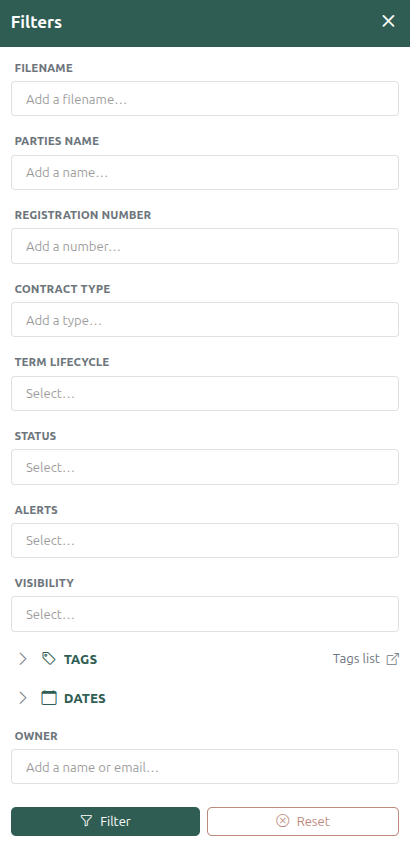
Advanced Filtering — Slice and dice your contract portfolio in real time by date, status, visibility, custom tags, and more.
ClauseGuide AI Assistant — Chat directly with your repository. Ask questions to locate documents, analyze trends, or find specific clauses in seconds.
“Which of our contracts expire in the next 60 days?”